Social WiFi
Design Tips
Your login page is the first impression your customers get. Good design isn't just about looking nice, it guides them to act without effort.
Less is more
Don’t try to say everything at once. One strong message works better than three weak ones. Leave some space, it helps the design breathe and makes your message stand out.
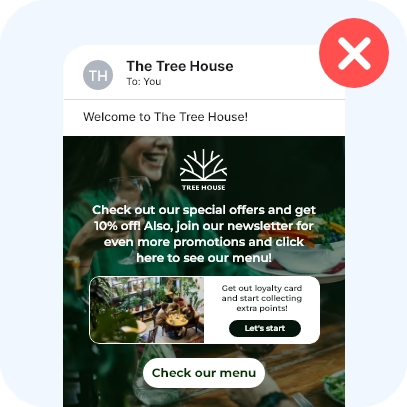
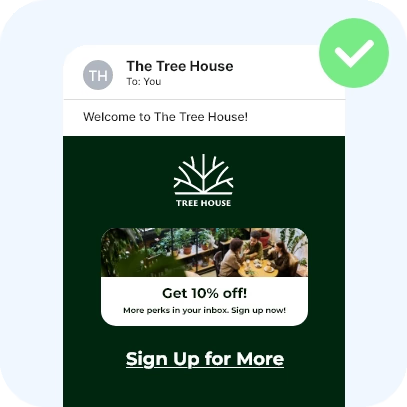
Keep text readable
Avoid placing text on busy photos full of details. If you must use an image, add a dark overlay, or choose a simpler background to keep the text easy to read.
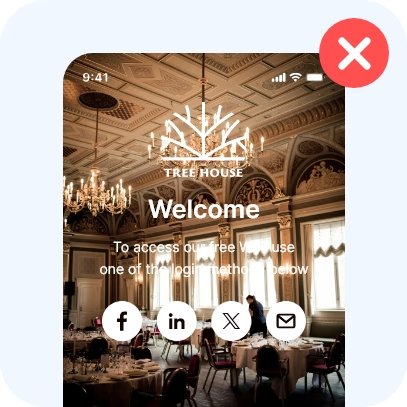
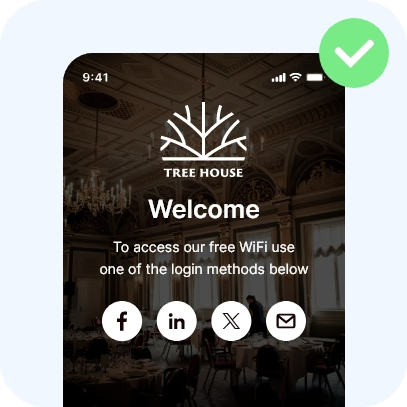
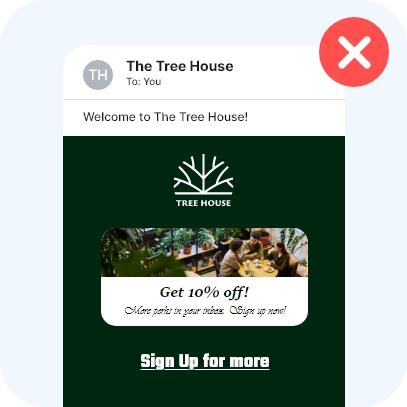
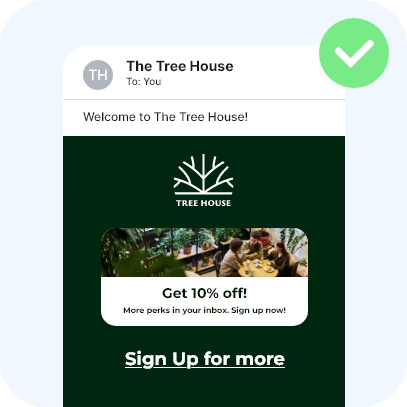
Stick to 1 or 2 fonts
Too many fonts make your design look chaotic. Use one font for titles and one (or the same) for body text.
Limit your colours
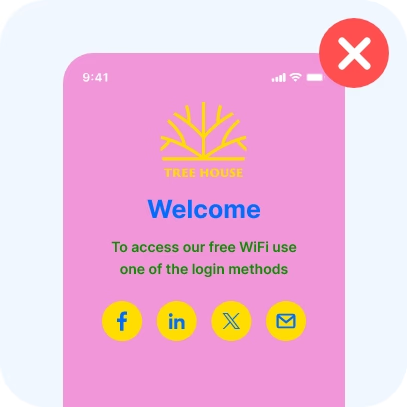
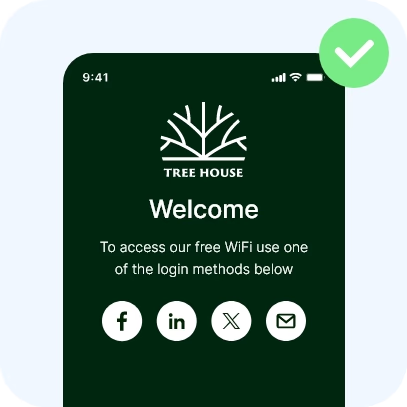
Use 2–3 brand-friendly colours. Too many colours confuse the eye.
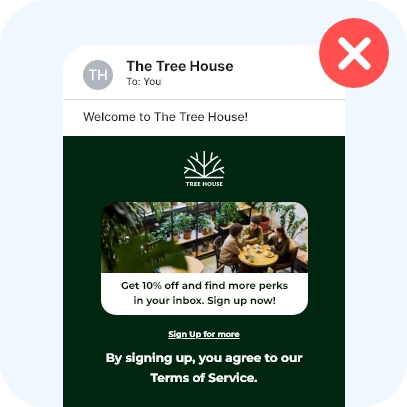
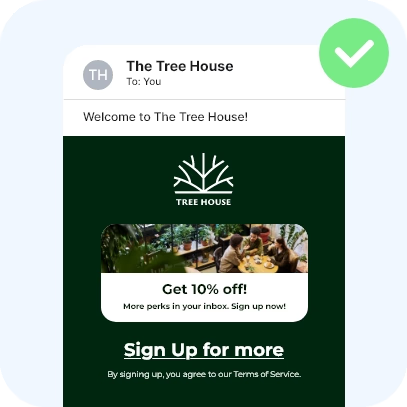
Use visual hierarchy
Your most important message should be the most visible - larger, bolder or in colour. Less important details can be smaller or more subtle.
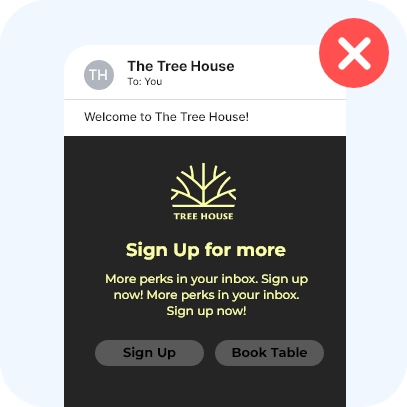
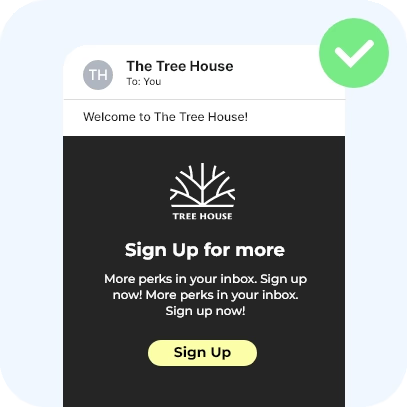
Make your button obvious
Your call-to-action button (like “Log in” or “Submit review”) should be easy to spot. Use a strong colour and clear label. Avoid having multiple competing buttons.
Think like your users
You’re not designing for yourself, but for your customers. Keep it simple, clear and easy to follow. If in doubt, show it to someone new and ask: “Do you know what to click?”
Need some inspiration?
Put these tips into practice with real login pages, emails and stories from businesses using Social WiFi.
Thank you
for getting in touch
We’ll be in touch soon. In the meantime, check your inbox to unlock 10% off your first 3 months.